Websites & Wordpress 101
By Sarabpreet
23rd February 2023
Quick Introduction
What we'll cover?
- How does a website Work?
- Choosing a host
- Coding a Static Website
- Dynamic website (Activity)
- Wordpress 101
- Wordpress Website(Workshop)
- Your Own Personal Website
How does a website work?

When you type a website's URL into your web browser, the browser sends a request to the server that hosts the website.
The server receives the request and responds by sending the web page to your browser, which displays the page on your screen.


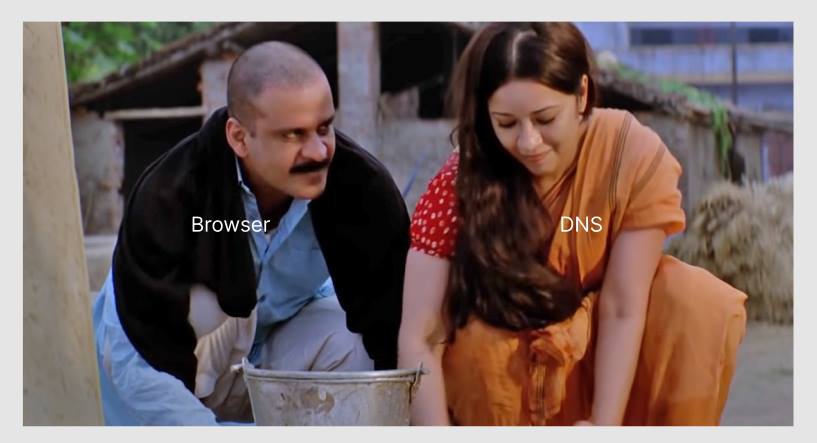
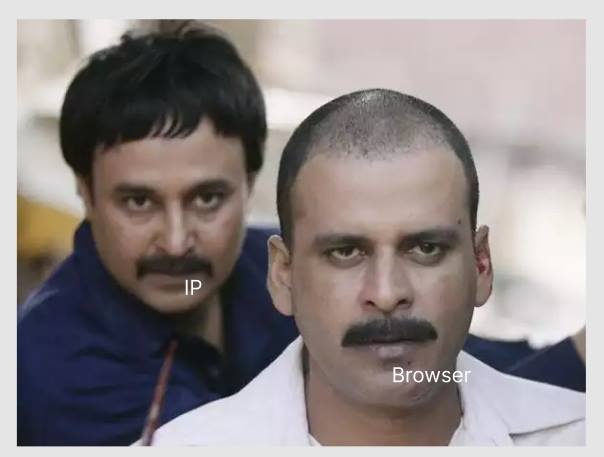
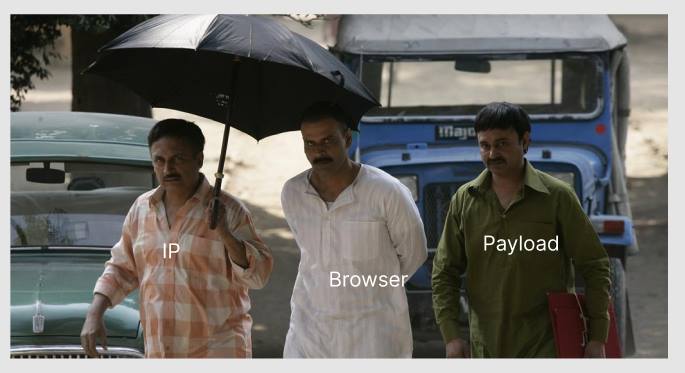
When you type a website's URL into your web browser, the browser sends a request to the server that hosts the website.
The server receives the request and responds by sending the web page to your browser, which displays the page on your screen.
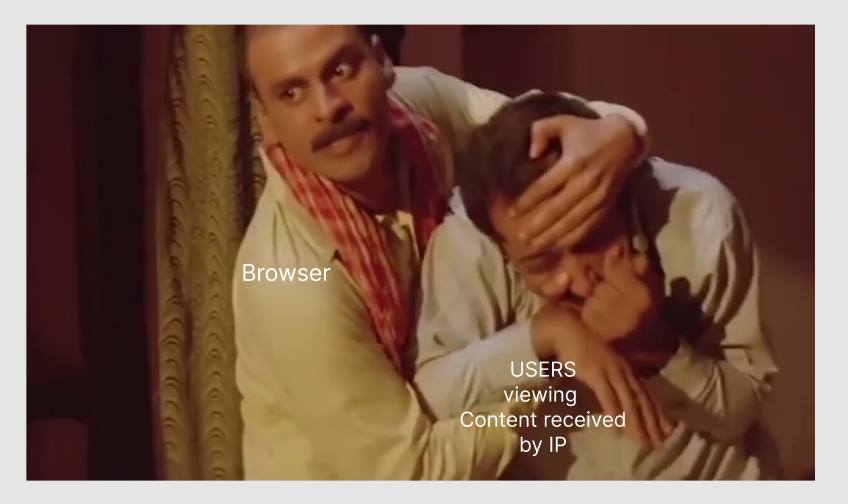
Server - Browser be like


A 404 error is an HTTP status code that means that the page you were trying to reach on a website couldn't be found on their server.
Other HTTP Codes
- 2xx - Successful
- 3xx redirection – further action needs to be taken in order to complete the request
- 4xx client error – the request contains bad syntax or cannot be fulfilled
- 5xx server error – the server failed to fulfil an apparently valid request
Hosting
A web host is a service that stores your website files and makes them available for users to access on the internet. You can choose from a variety of hosting providers, including Bluehost, SiteGround, and WP Engine.

Coding a Static Website
The Bare Minimal
										<!DOCTYPE html>
										<html>
										<body>

										<h1>My First Heading</h1>
										<p>My first paragraph.</p>

										</body>
										</html>
Dynamic Website?

Activity
Please divide yourself in a team of 5.
Task
- List out essential-basic steps to make bun-maska.
Let's hear them out
Outcomes :
- Computers are dumbs.
- Instructions >
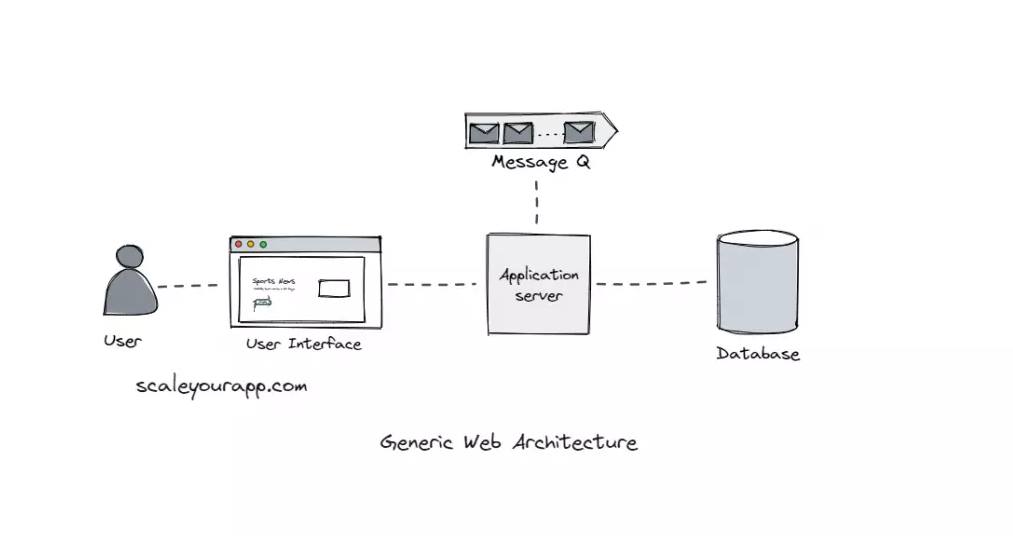
Web Application
Wordpress 101
What is Wordpress?
WordPress is a popular CMS used by millions of websites worldwide. WordPress is an open-source software that is free to use and has a large community of developers who create plugins and themes that add functionality and design options to WordPress websites.
How Old is it?

19* Years
Wordpress.org Vs Wordpress.com
User-friendly interface
WordPress has a user-friendly interface that makes it easy for users to create and manage websites without technical skills.Customizable designs
WordPress offers a range of customizable designs, called themes, that allow users to create websites with unique designs and layouts. There are thousands of free and premium themes available.Plugins for added functionality
WordPress has a vast library of plugins that provide additional functionality to websites. These plugins can add features such as e-commerce, forms, social media integration, and more.SEO-friendly
WordPress is SEO-friendly, meaning that it has built-in features that help websites rank well in search engines.Security features
WordPress has built-in security features that help protect websites from attacks and vulnerabilities. Users can also install security plugins to enhance website security further.- Visit - wordpress.com
- Signup (email, or google mail)
- Formalities - 🥴
- Create a Blog
- Post Vs Page
- Themes
- Plugins
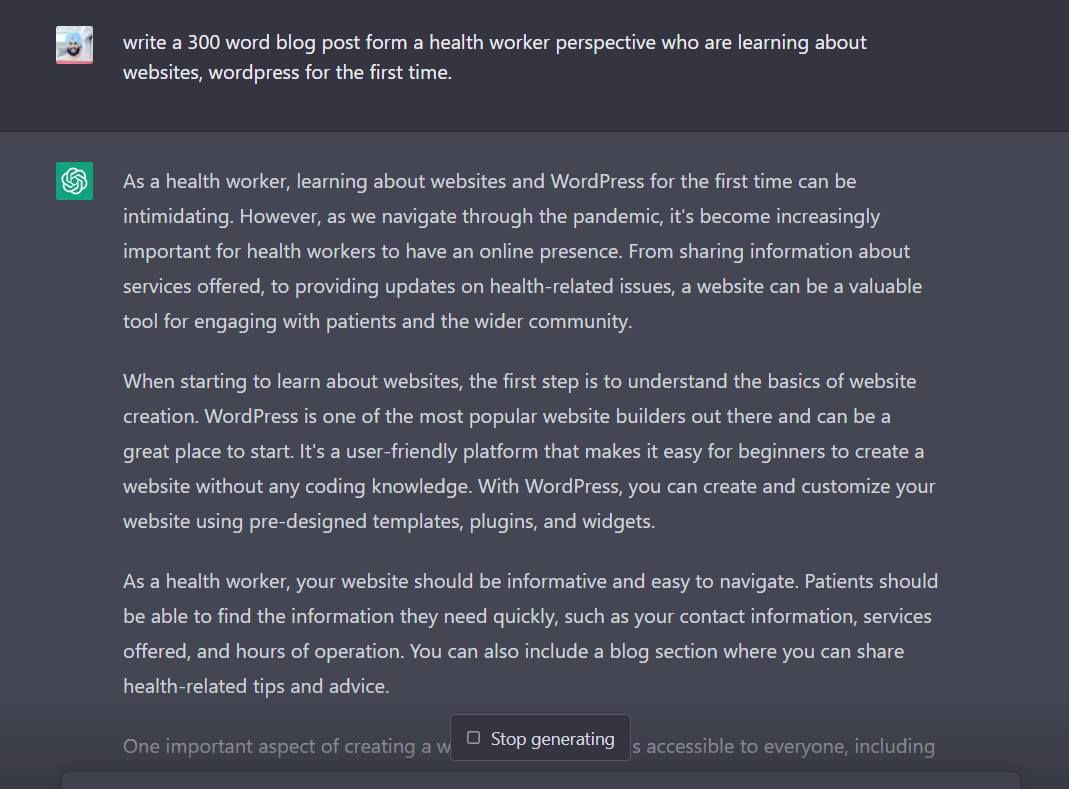
Let's have our first post.
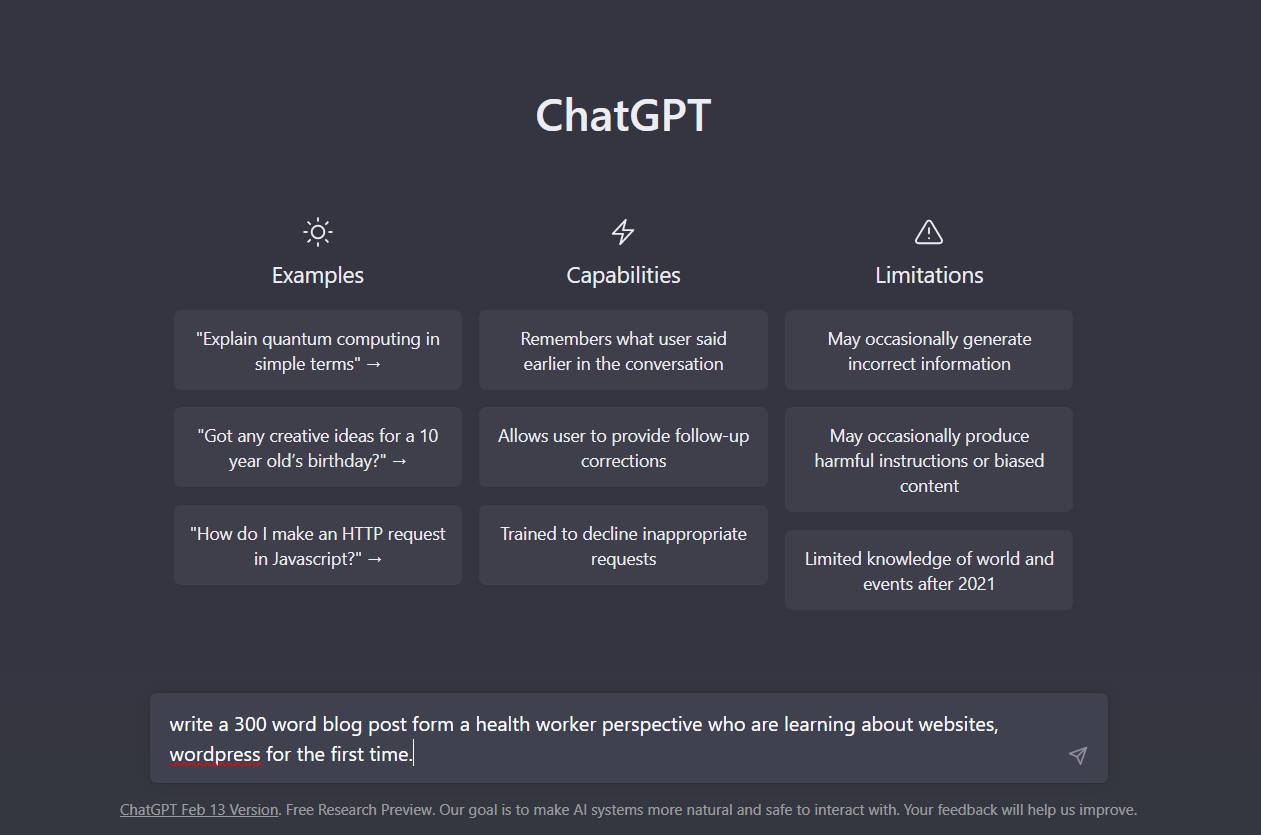
Powered by ChatGPT
Quick Tip
/wp-admin
Do we all have a personal website now?
Questions?
Feedback
Feedback LinkThank you
